 Scroll to read
 After months of porting and refinement, uwuAOSP 17.0.100 is ready to build and explore. Based on AOSP android-17.0.0_r1, it brings back familiar features from 16.2 and adds new choices. This update begins with something easy to overlook: which apps can access your clipboard.
Clipboard access
After you copy some text, which apps may read it? Should an app ask before replacing it? Clipboard access controls manage reading and writing separately. Each app can be set to ask, allow, or deny. The prompt identifies the app and its request. A decision becomes a saved rule only when you select “Remember this action.”
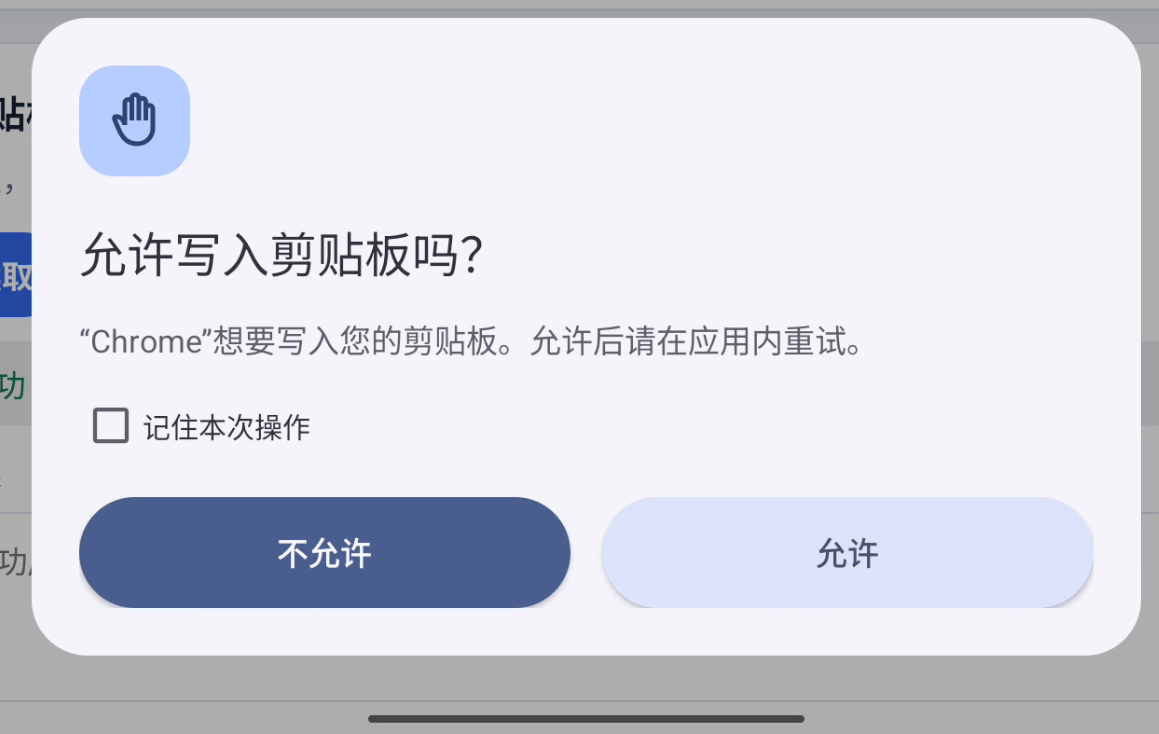
Manual copy and paste still use Android's existing path. App sensor access and app jump controls offer more per-app choices. Background management lets you choose what happens after an app leaves the foreground.
Desktop and appearance
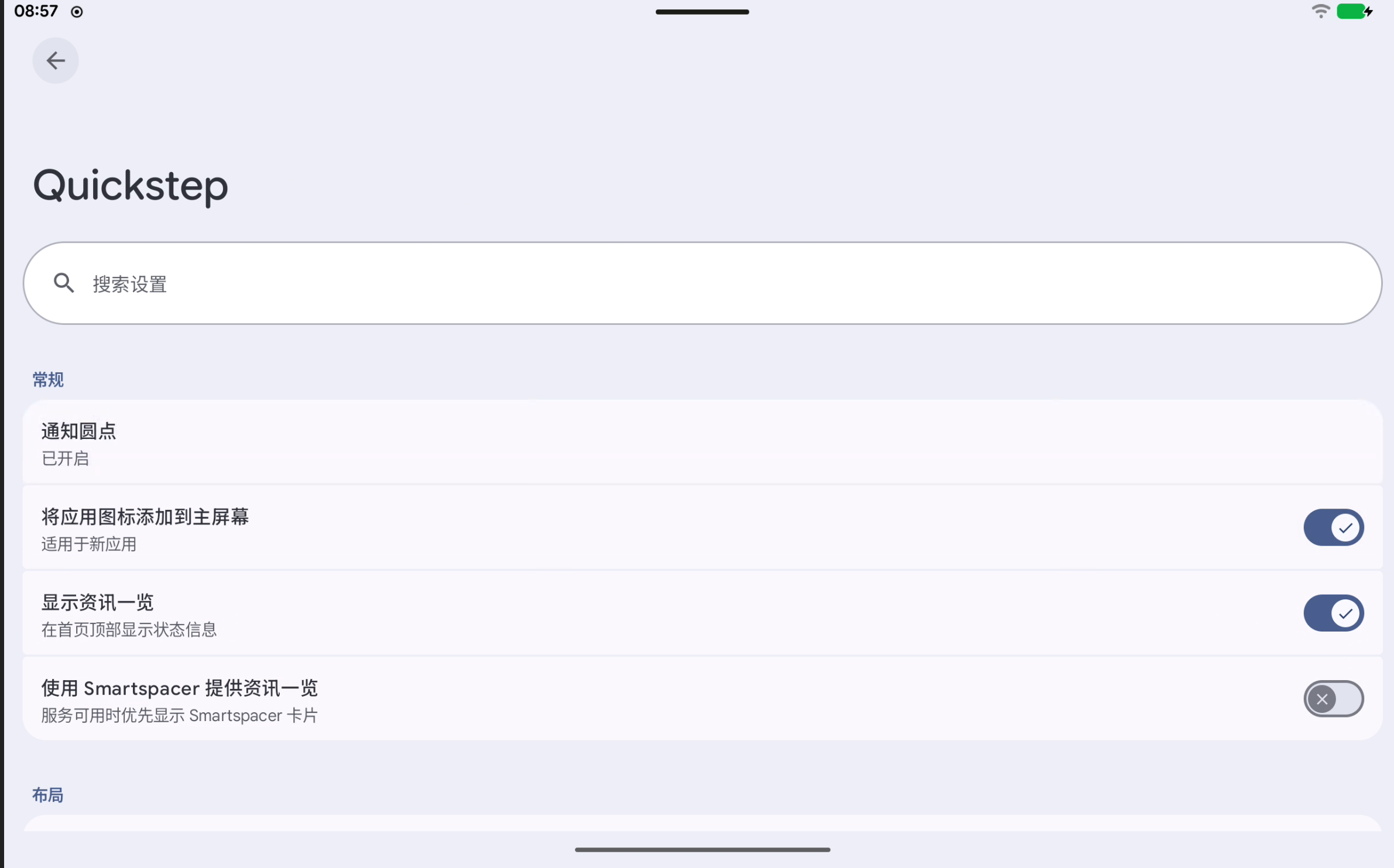
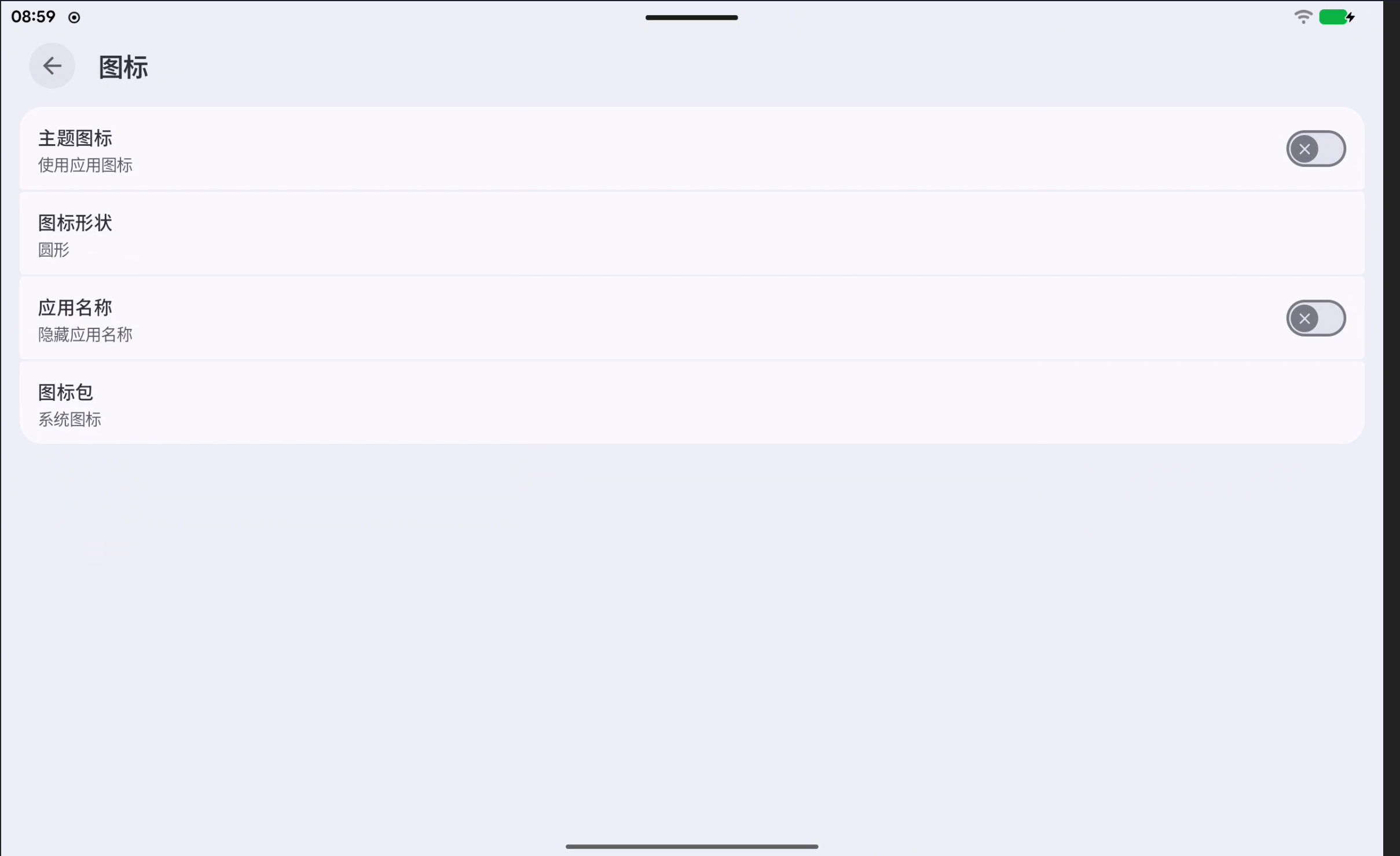
The home screen's at-a-glance area can show the date, weather, alarms, timers, and currently playing music. Quickstep also offers grid, icon, and search settings. Its icon page lets you choose a home-screen icon pack. Some launcher features were inspired by or ported from Lawnchair; thank you to its community.
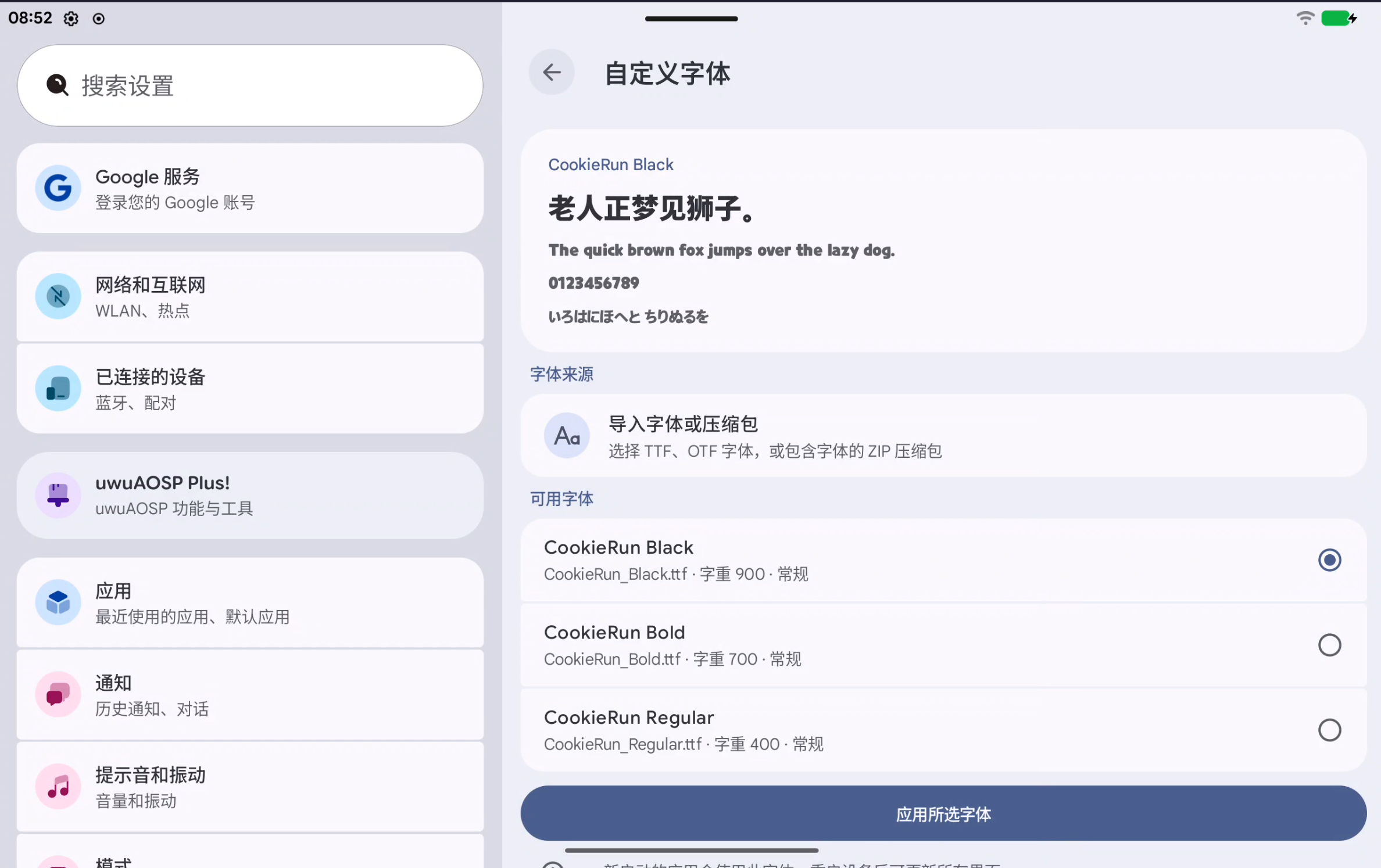
Custom fonts can import a single file or let you choose from a ZIP archive. Preview Chinese, English, numbers, and Japanese before applying a font. Restoring the default also clears imported font files.
System icons can switch between the default style and PUI. The PUI assets originate from 天伞桜 and are now built from source as system overlays.
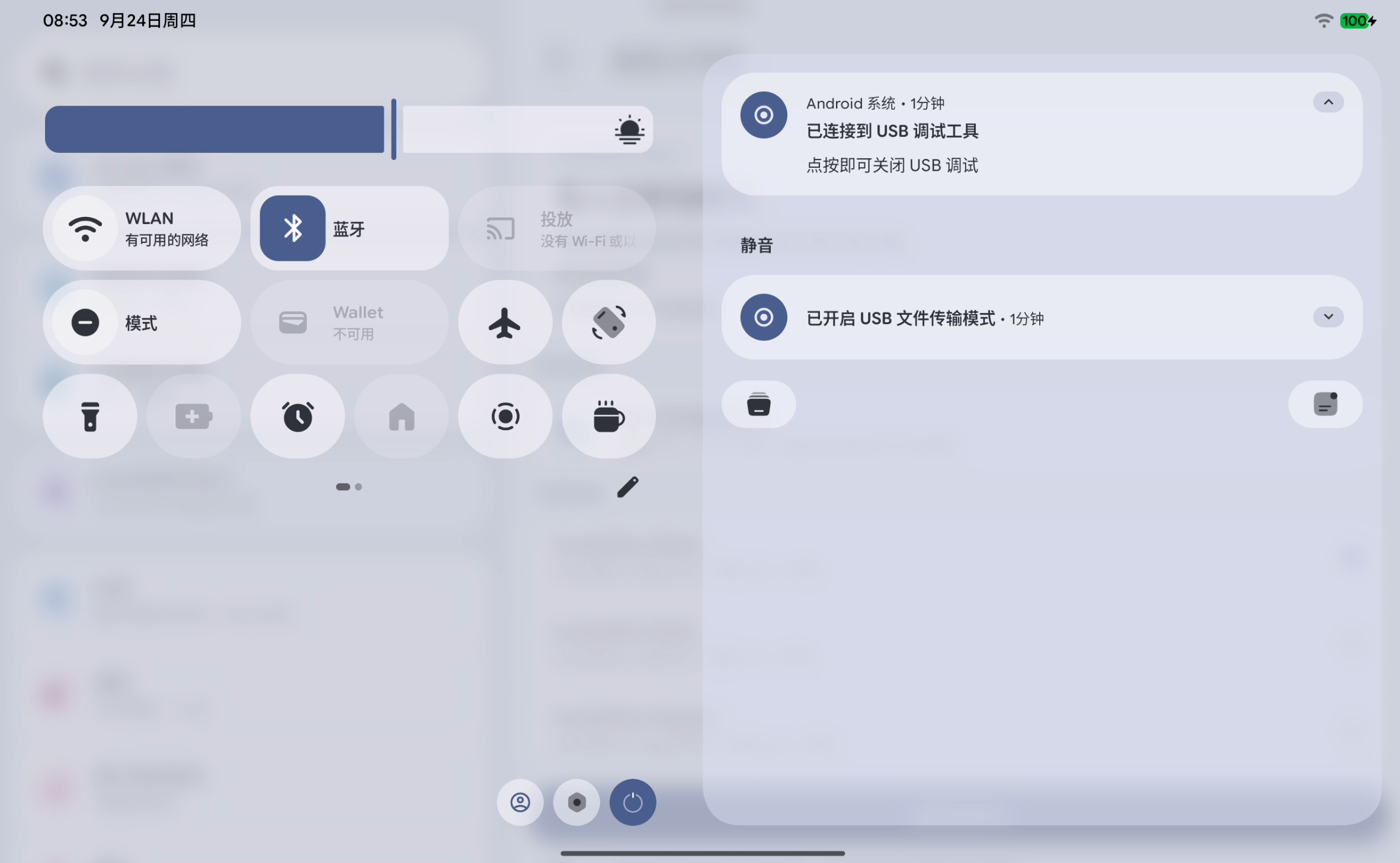
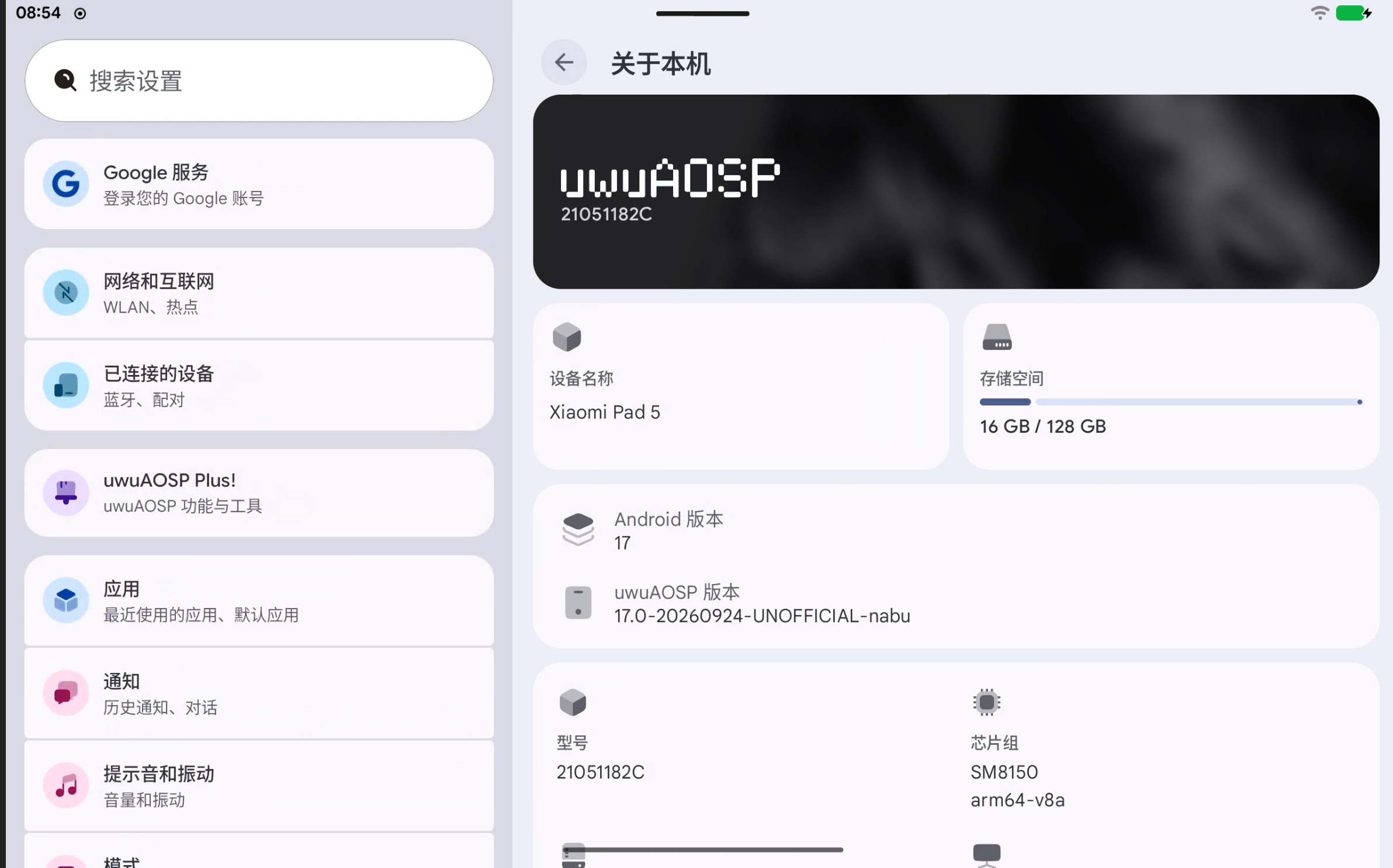
With USB-C, HDMI, or a supported virtual display, External desktop uses Android's desktop mode to run apps in windows on the connected screen. You can choose whether to cover the built-in display and whether a scrcpy virtual display triggers desktop mode. Status bar lyrics, Smart Suggestions, and per-app volume also return to the everyday experience.
Builds and maintenance
Uni, developed by RinnRei, continues to use Soong, Kati, and Ninja while reducing time spent reanalyzing the build graph. It schedules kernel and main build work in stages, adjusts memory-intensive concurrency to available RAM, and retains reusable outputs after an interruption. Its logs record phases and resource changes to help diagnose failures.
In two clean-build records from this test machine, Make took 5h 19m 04s and Uni took 3h 43m 04s. That is 1h 36m less elapsed time, or about 30.1%. The host has an Intel Core Ultra 5 125H, 14 cores and 18 threads, and 32 GB of RAM; Uni ran with -j18. These are separate builds, so source state and system load may affect the comparison.
The chart below comes from a different successful Uni build. It shows CPU, available RAM, swap-out, and I/O wait during its final phase. It is not a second-by-second trace of the two clean builds above.
The Uni guide covers commands, formulas, log fields, and test conditions. Work on the Soong-only build flow and uwu_kernel continues, giving maintainers a path toward device-tree migration and incremental kernel builds. A device tree can also name its maintainer on the software-updates page.
Thanks and contributions
Thank you to AOSP, LineageOS, Lawnchair, and all the upstream projects and contributors. Thank you to everyone who provides test devices, reports issues, and improves translations. The source and documentation are public. You can share reproduction steps on the issue page or contribute through GitHub.
The UwUniverse team
September 25, 2026 · Autumn